

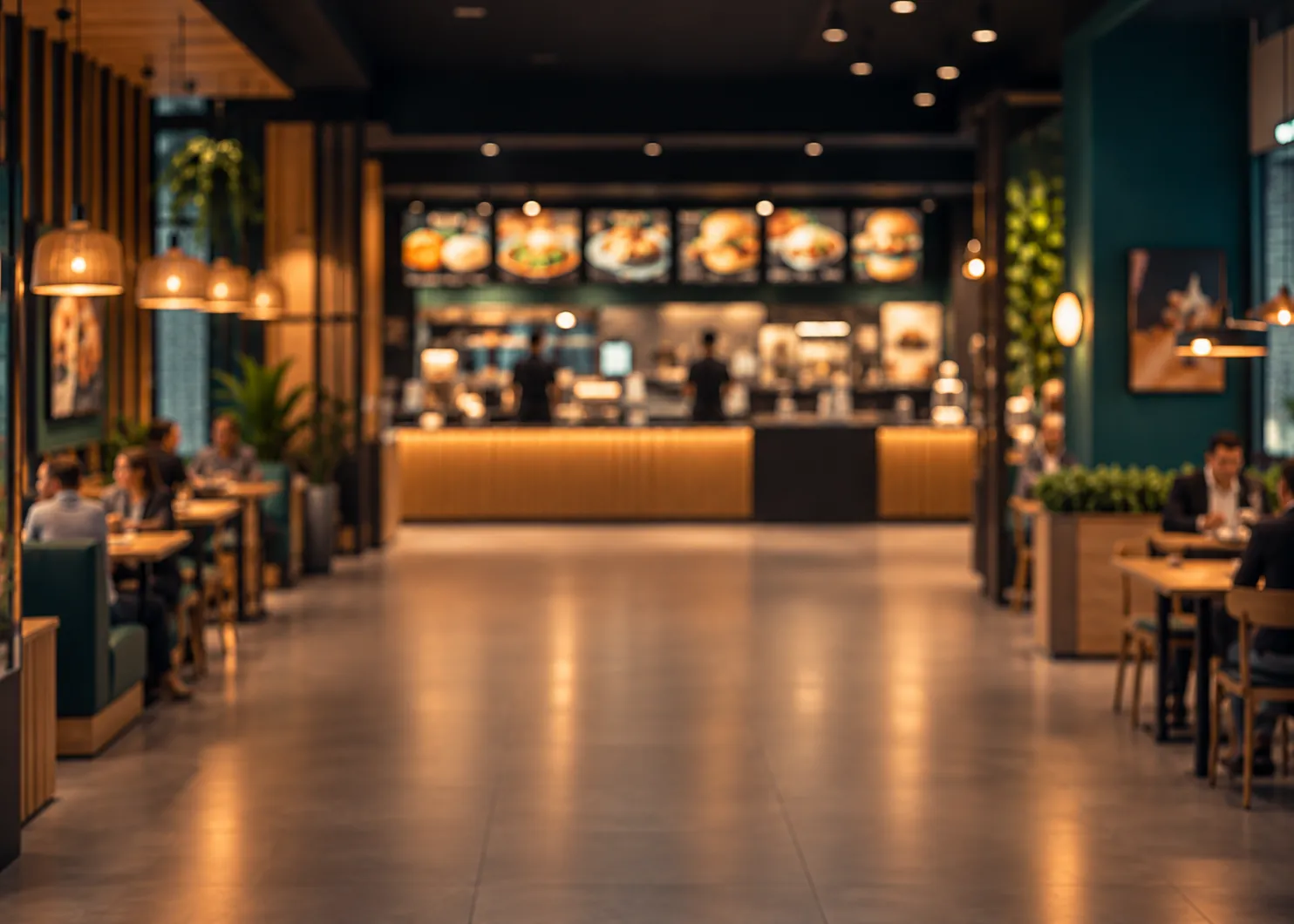

Less interface, more appetite
KioskOS is self-order kiosk software for restaurant chains. It keeps the screen simple, so more guests finish their order on their own.
See a demo
Low risk to start
Pilots in 2–4 weeks
Try it in real stores, measure what guests do, then decide whether to expand.
Runs in the cloud, on the screens you pick
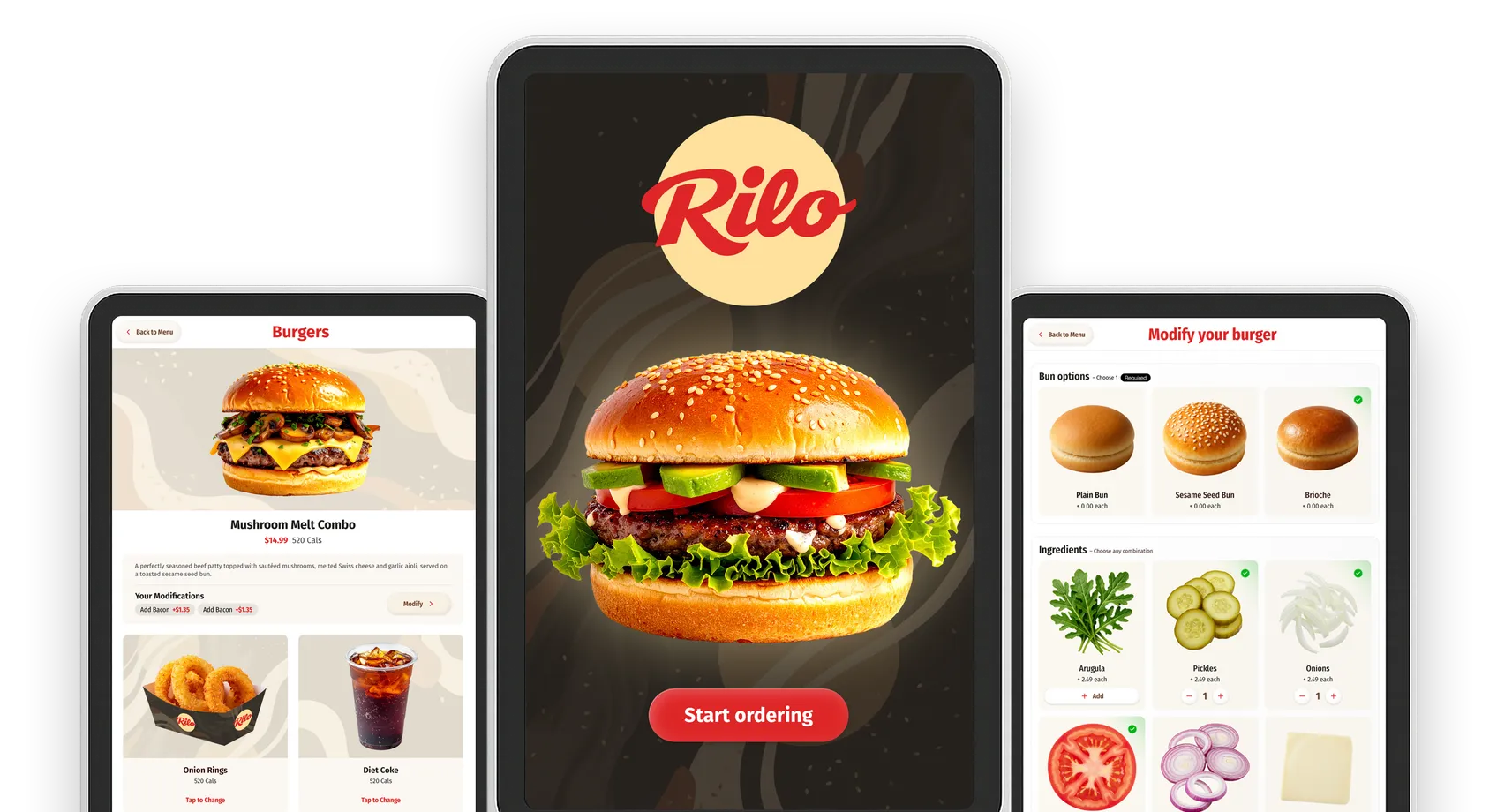
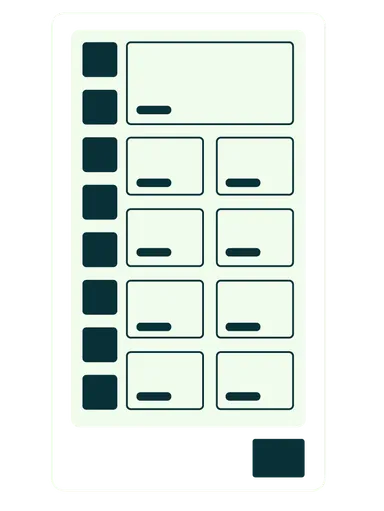
Because KioskOS runs in the cloud, it isn’t tied to one kind of hardware. Use tablets, countertop kiosks, full-size kiosks or line busters, which let crew take orders from guests waiting in line. To replace one, connect the new screen to the store and it picks up the menu.
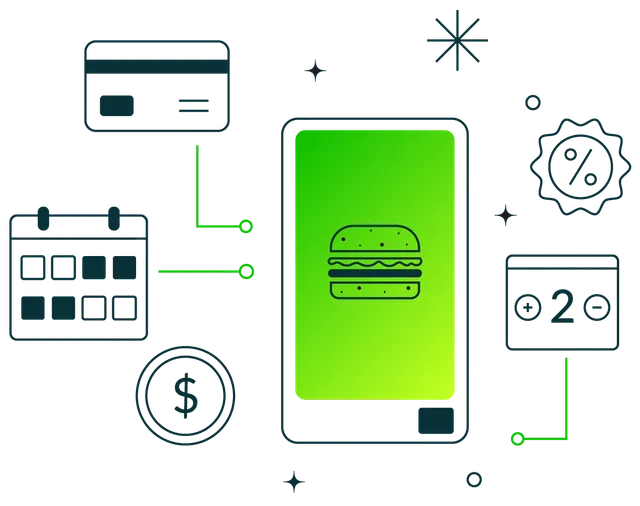
Connects to your POS and payments
Usually without changing either.
 Design
The food does the selling
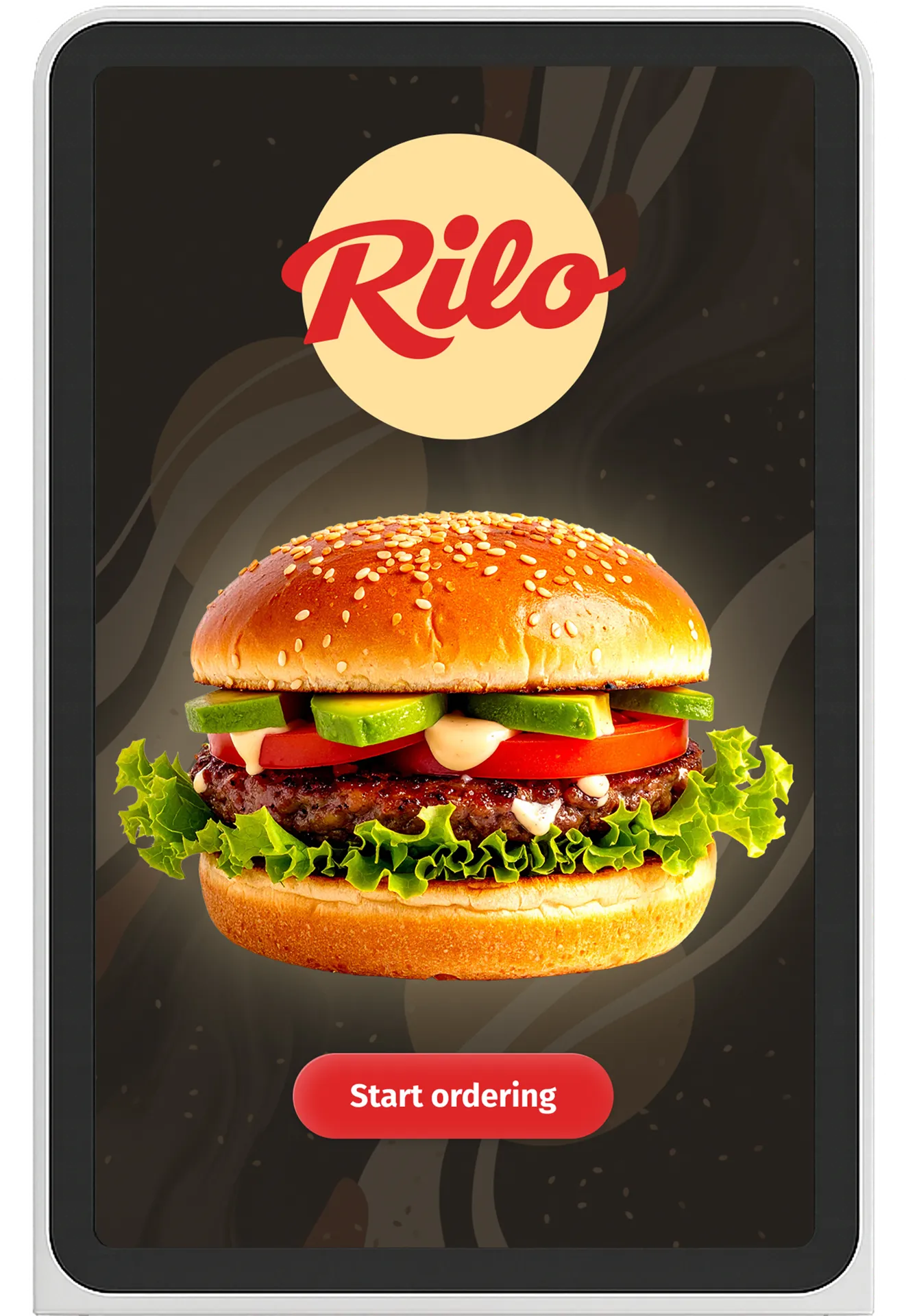
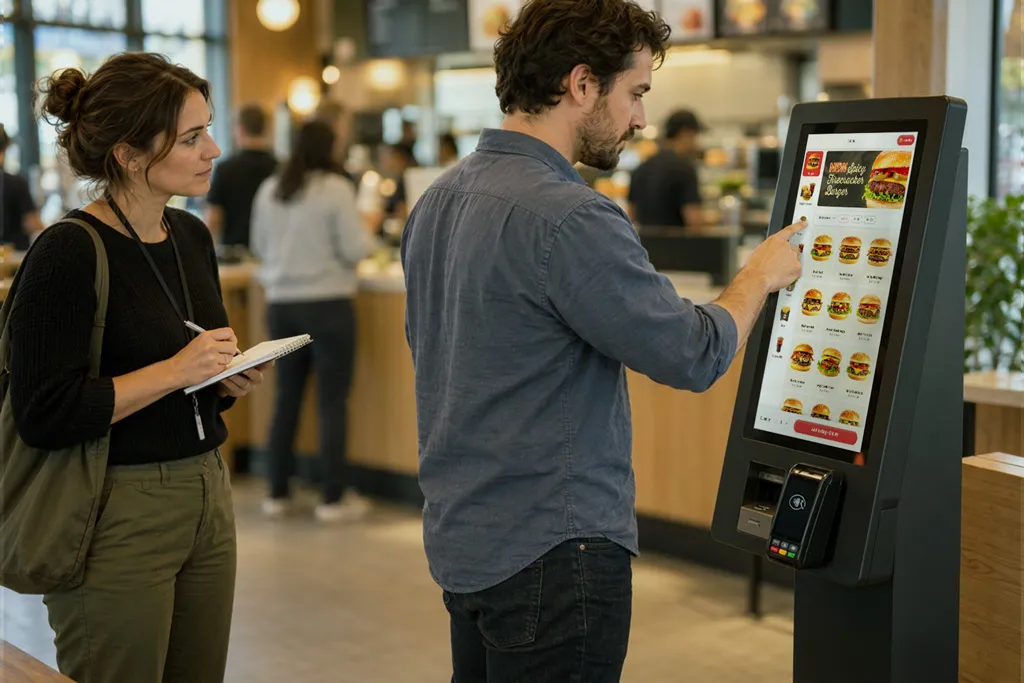
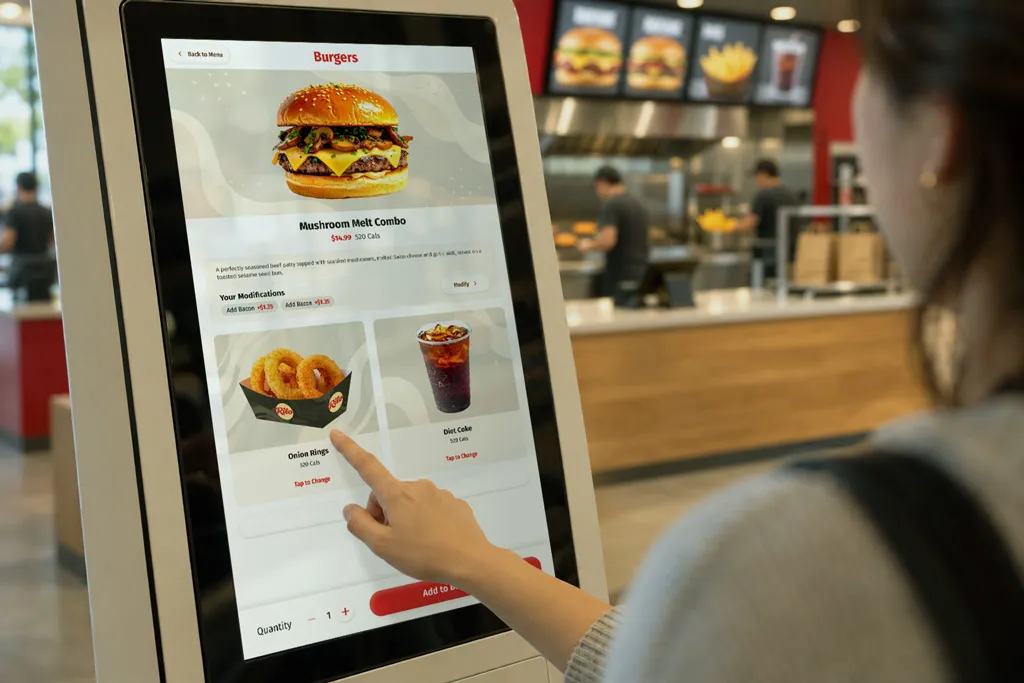
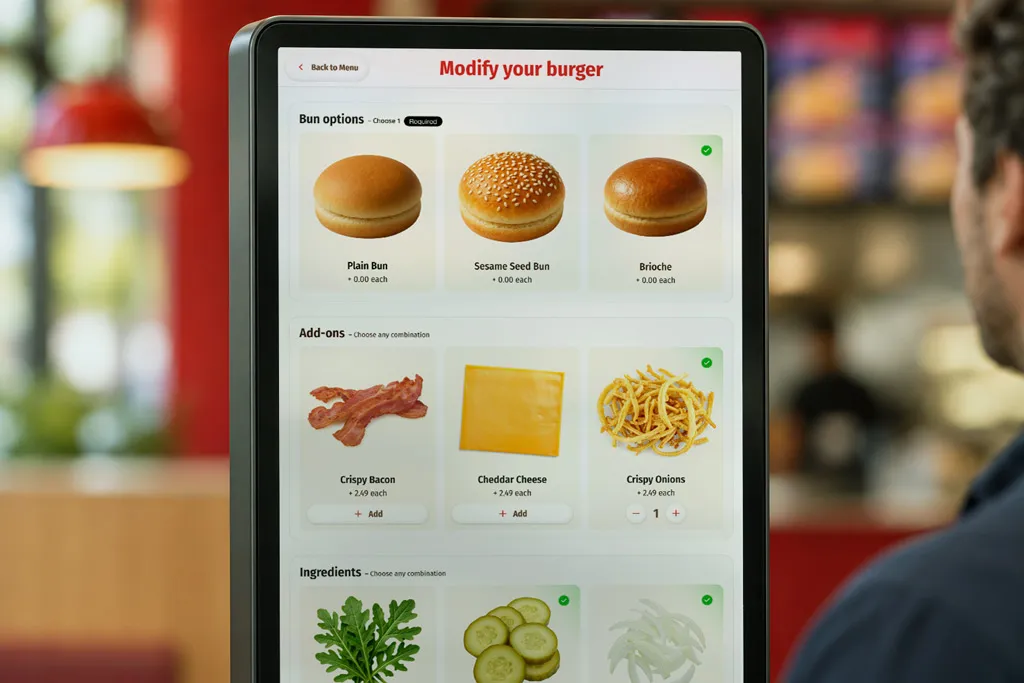
KioskOS screens stay quiet. We test them with guests in real stores and keep what helps people find what they want, accept a well-timed add-on and finish without help.
Our solutions meet accessibility standards. Fewer choices on each screen help guests decide, and the add-on stops at one.
 Menus and ordering
Inside KioskOS
 Central publishing
Publish once, run every store
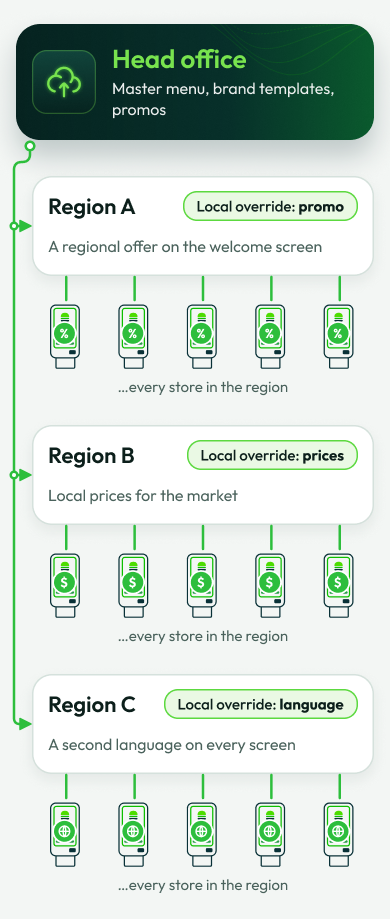
Head office sends looks, promos and tests to every kiosk from one place. Each region can change its own promos, wording, prices or language in minutes, without a developer. Every kiosk keeps its own copy, so it keeps serving if the network drops.

 Store management
Manage every kiosk
without calling IT
Publish with an undo
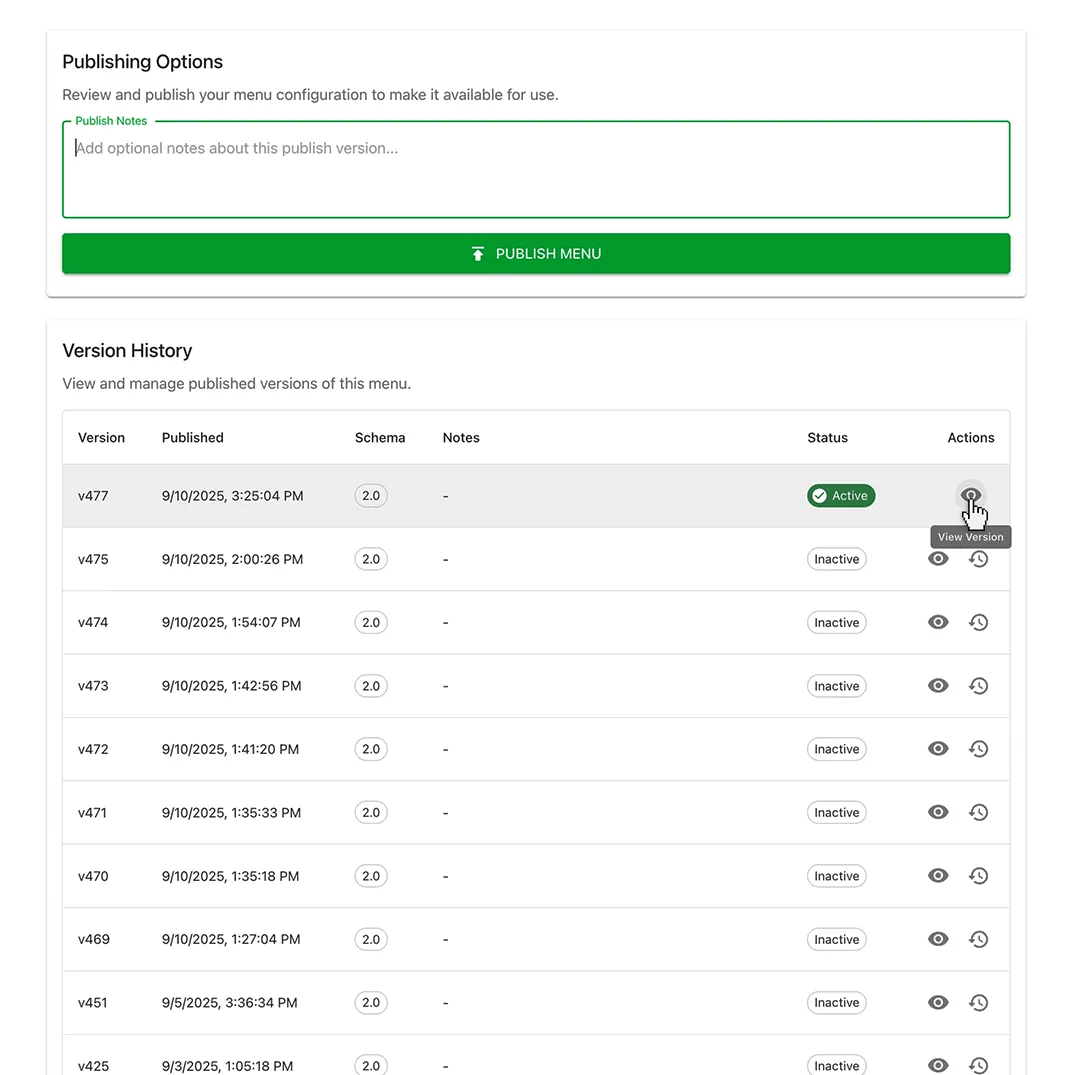
One click to publish and one to undo. Roll out store by store, with a full history of every version.
Local hours and specials
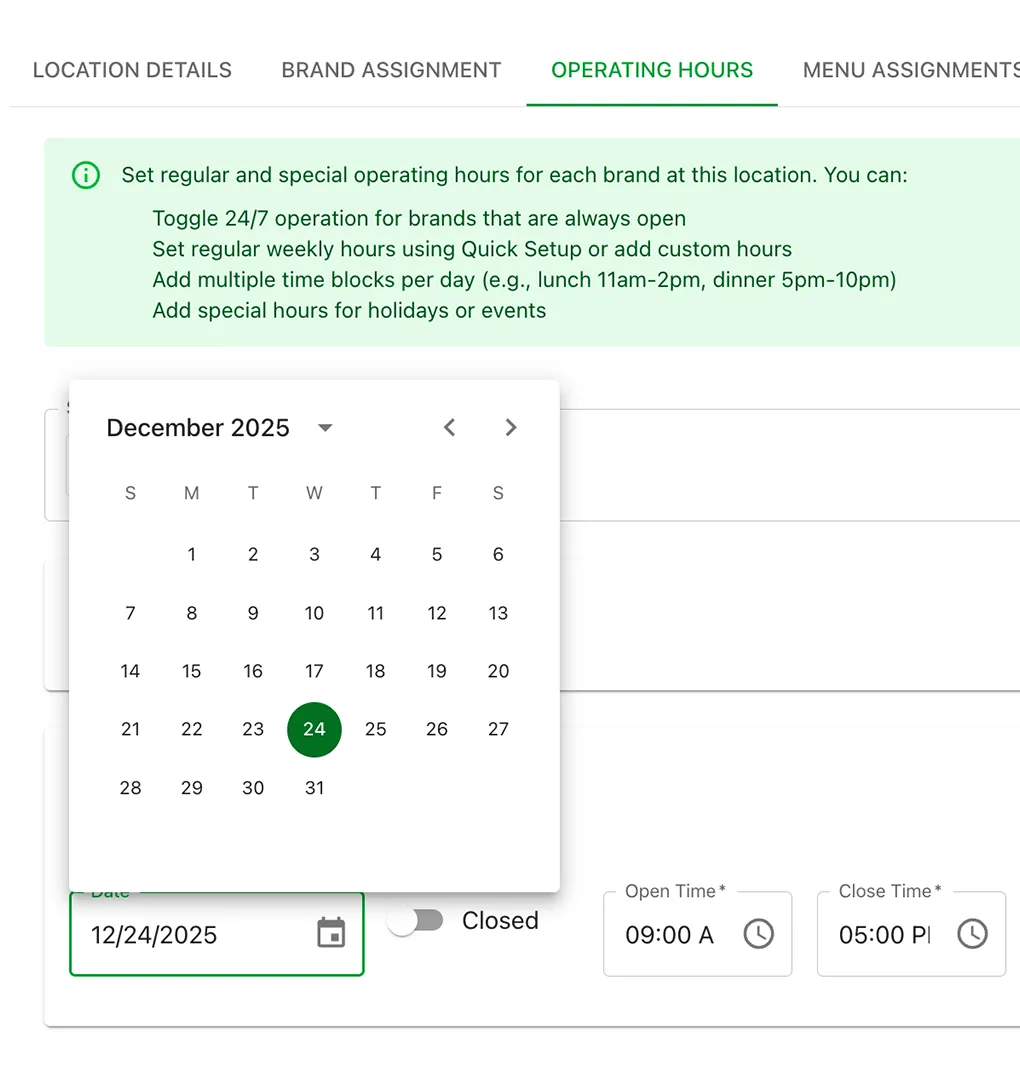
Change one store’s hours and specials without touching the main menu: stay open late for a game, hide sold-out items downtown, or run a one-store flash special.
Questions
- Will we have to change our POS?
- Usually not. We have ready-made connections for common POS systems, and can build custom ones.
- How long before we see results?
- Pilots measure how long orders take, how often guests need help and how often they accept an add-on, within the first few weeks. Exact timing depends on your menu and traffic.
- Can we test two offers against each other?
- Yes. Run two versions of an offer, and the data shows your analysts which one sold more.
- Does KioskOS include dashboards?
- Yes. Your analysts can also take the data into your own reporting tools.

See a kiosk order from start to finish
Tell us about your stores and your menu, and we’ll show you how KioskOS would work there and how a pilot could start.
See a demo